for CorelDRAW
Current version: 7.4.12.57
for CorelDRAW
eCut 6 support all full versions of CorelDRAW since X3. eCut was updated and become more powerful, faster and more convenient to use. And test period will help you to try all features before to purchase.
For more information about compatibility go here.
This remarkable plugin for CorelDRAW allows many advanced utilities for computer designers who work with Vinyl, CNC machines, or laser cutters.
eCut has more than 40 different functions which include invaluable aids with the design of outdoor signs, light boxes, neon and LED signs.
New coding with this new version has made the user interface more user friendly.
Performance of some of the most used functions has been enhanced.
Below I will describe the main uses of the program, and what features you should pay attention to each case. eCut is powerful tool, and of course, you must be able to use it, because sometimes people do not realize how useful functions can be! Their indirect use can also open up new possibilities of the program!
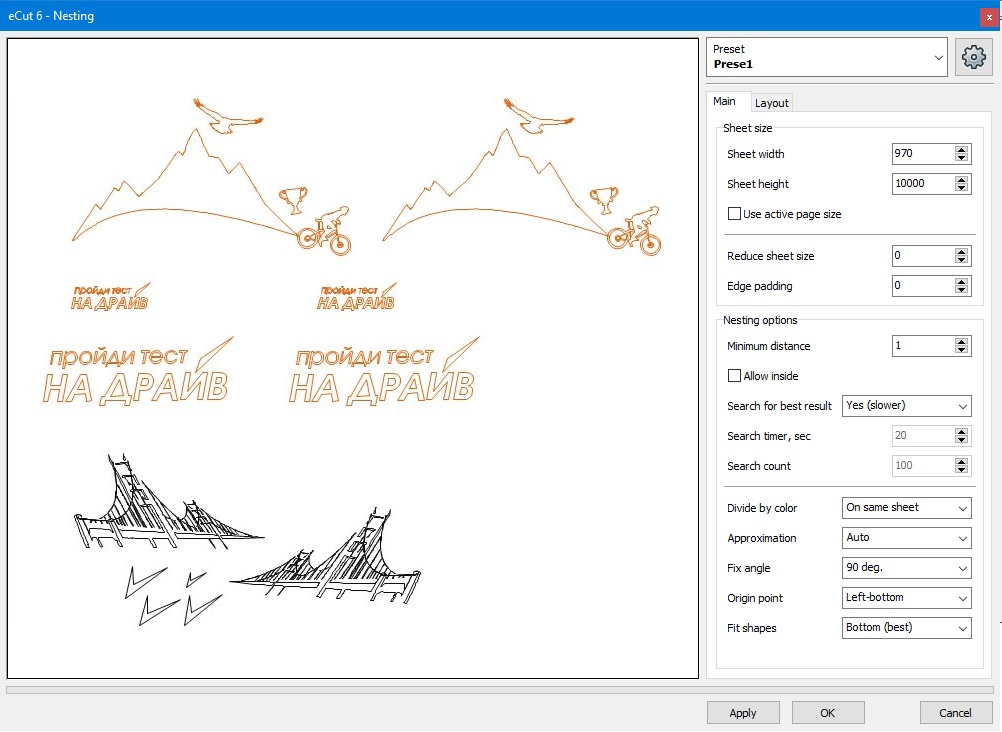
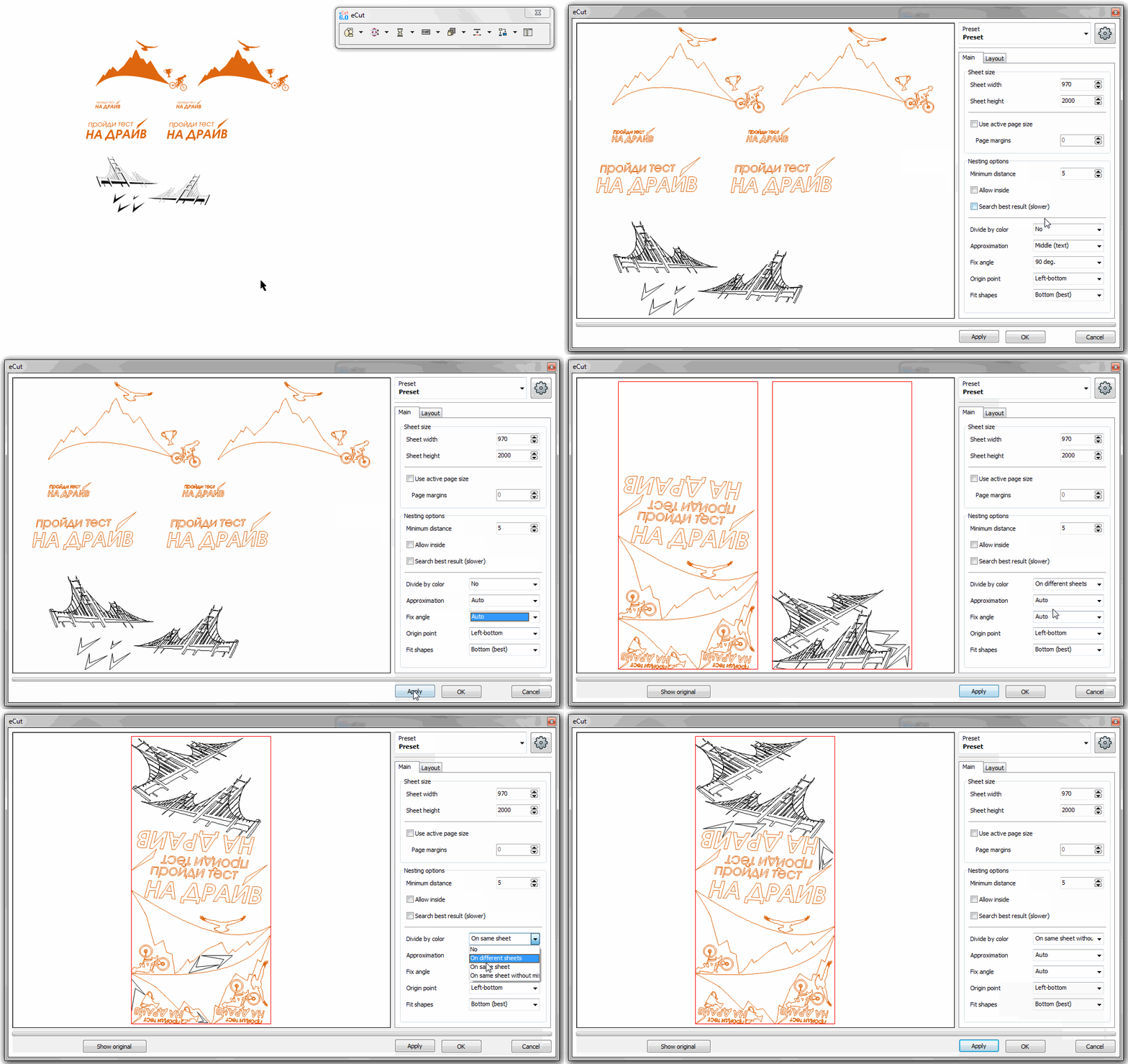
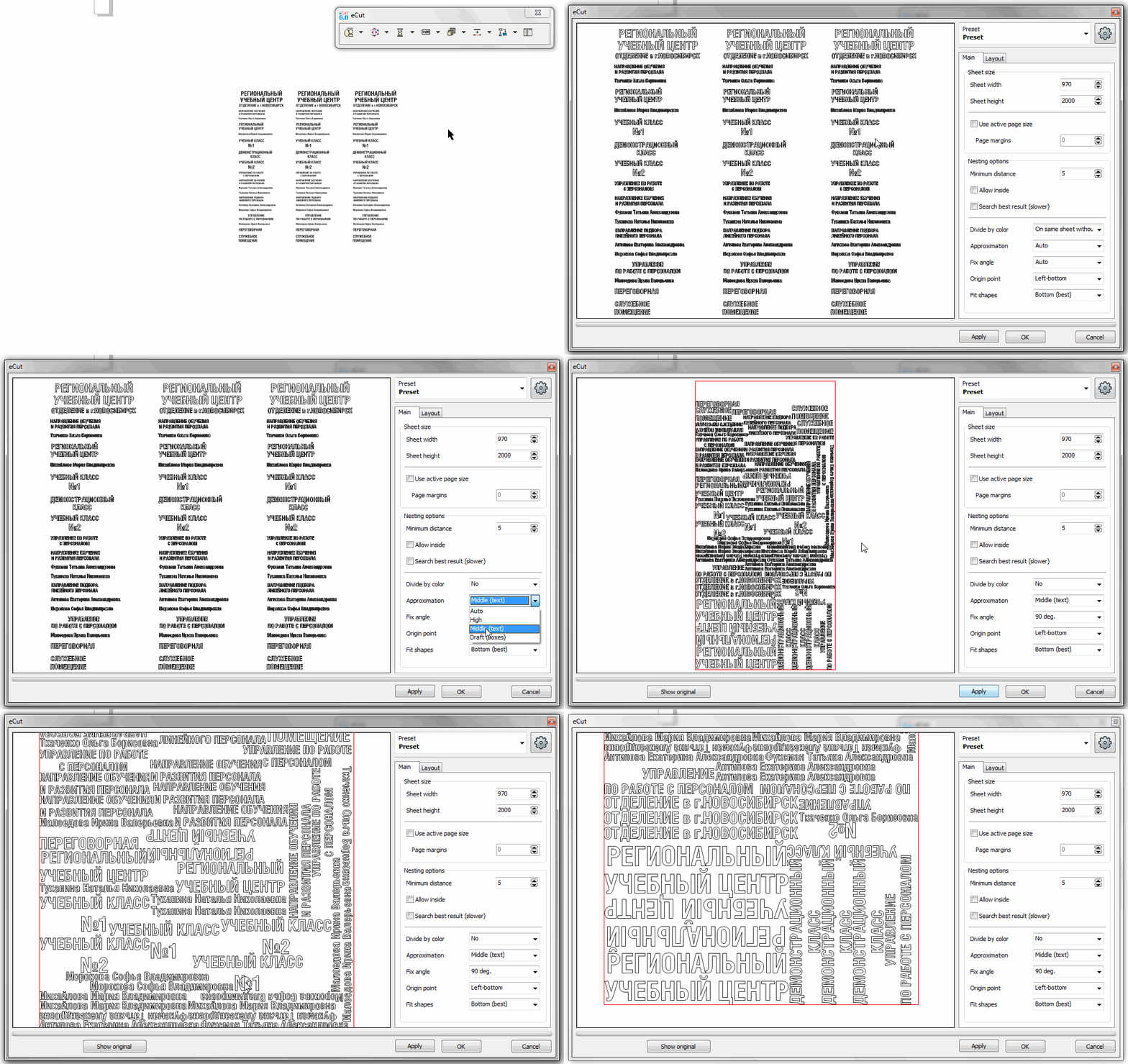
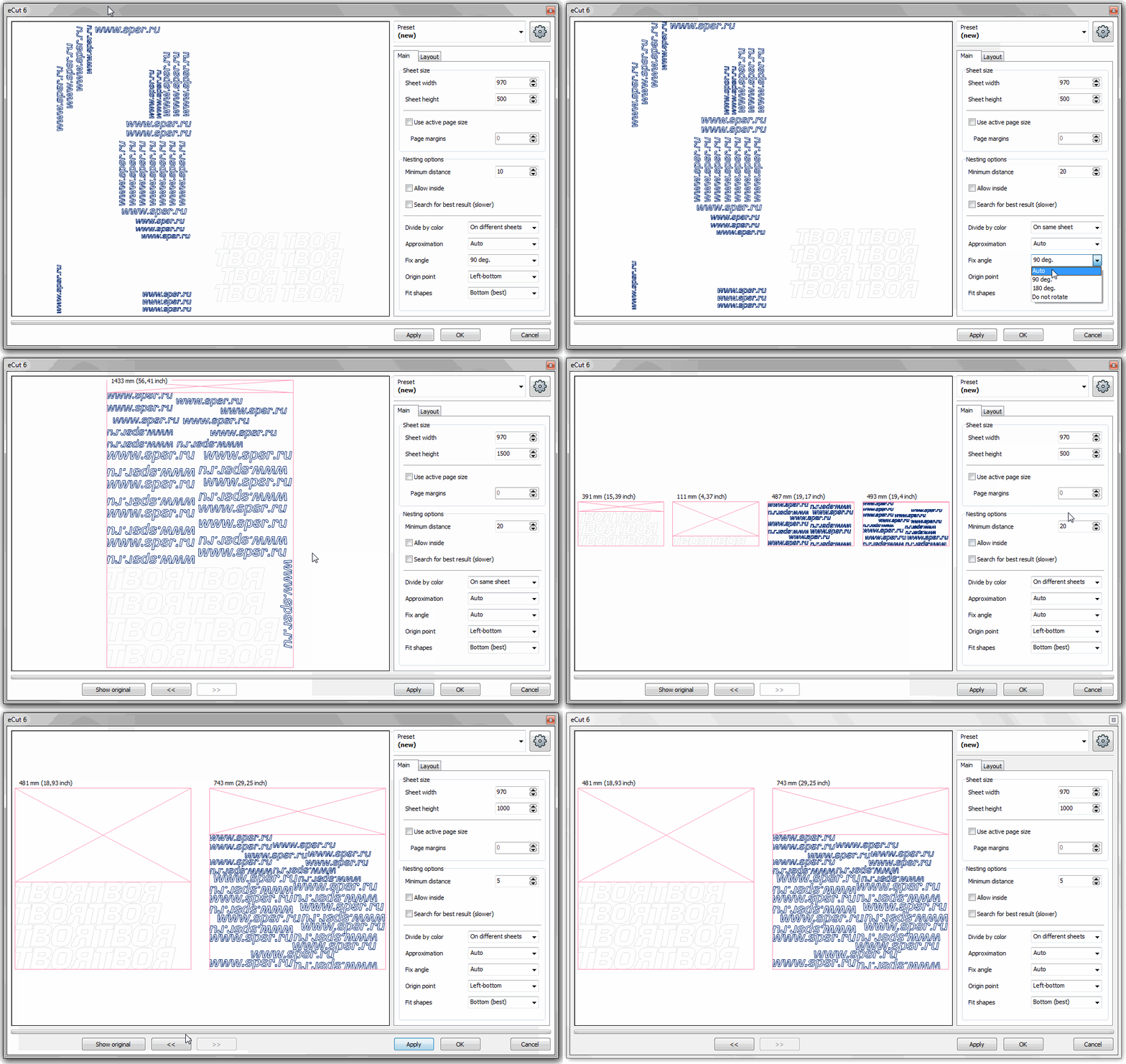
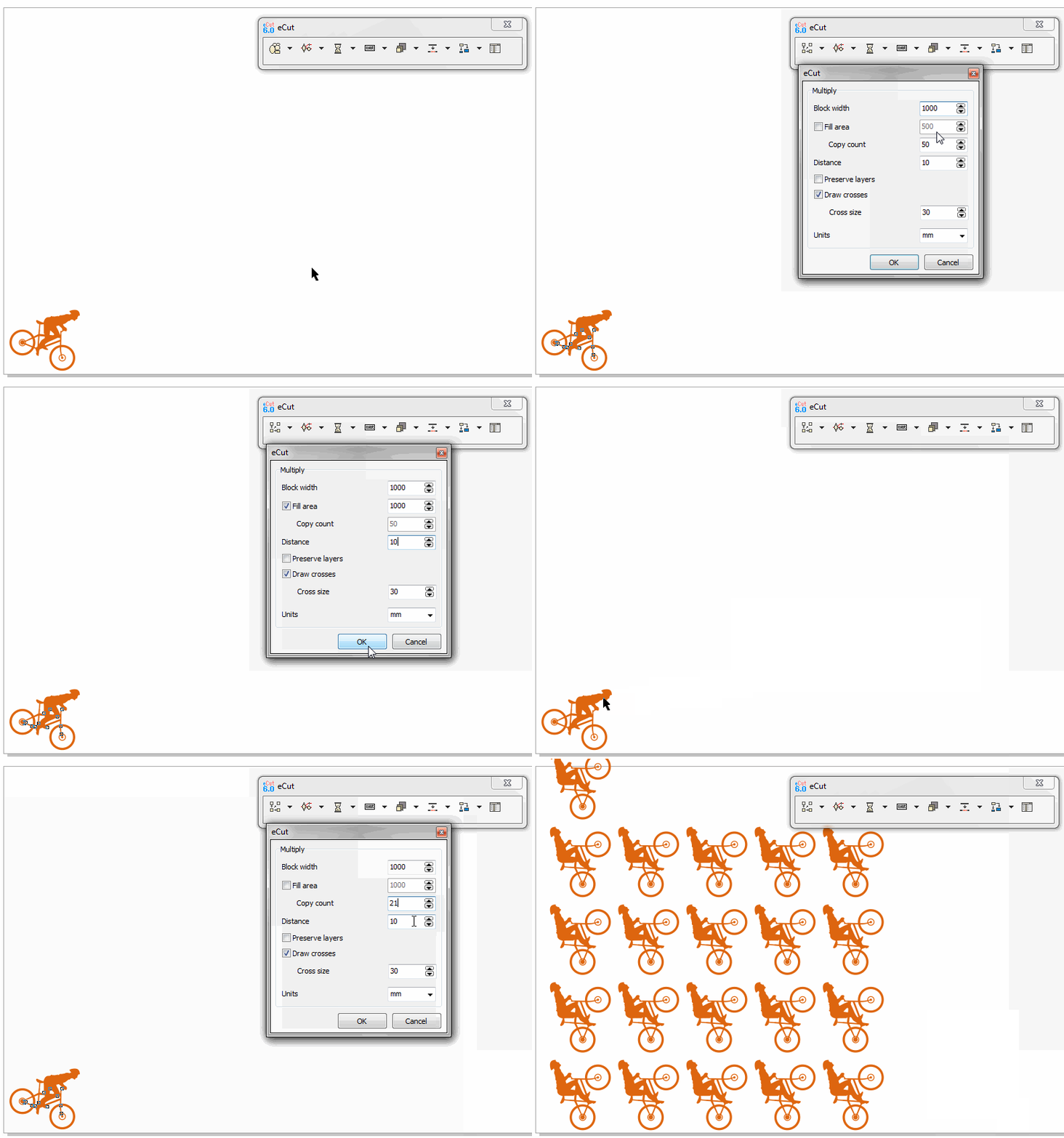
Functions:nesting, rectangle nesting, multiply.
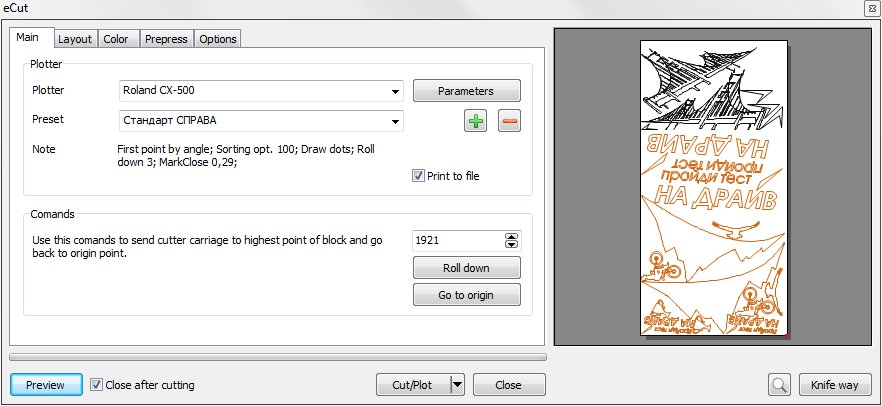
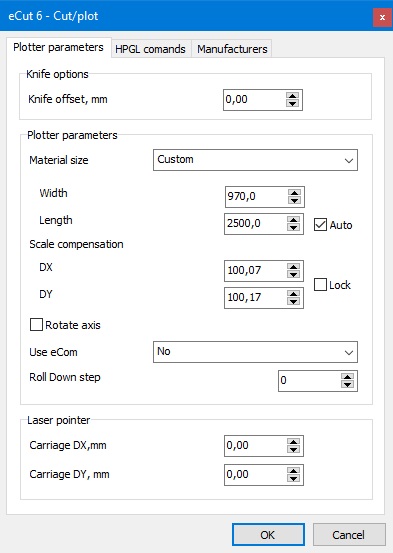
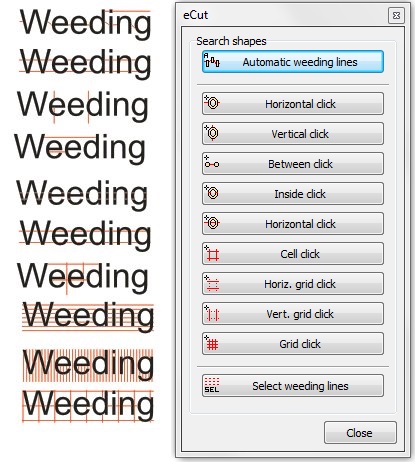
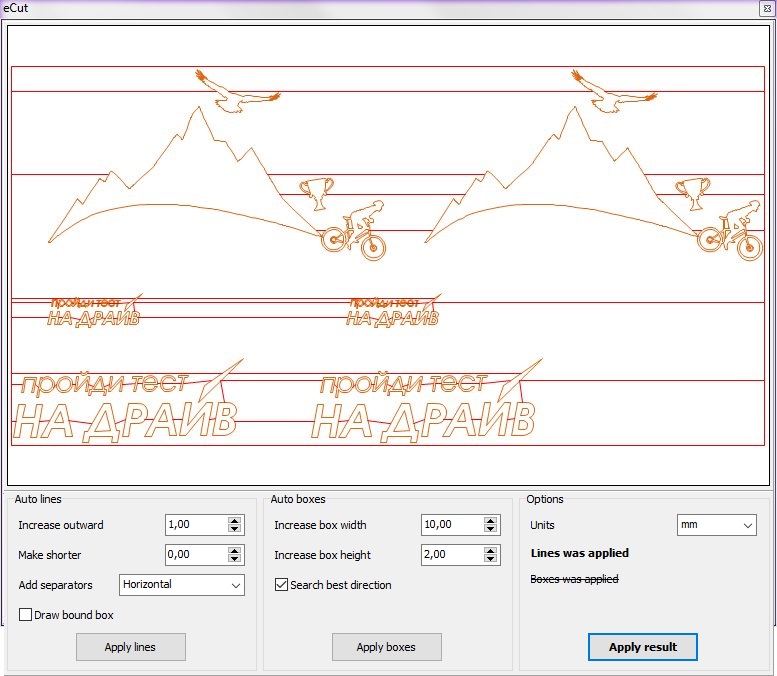
Functions: cut/plot, weeding lines, separate shapes, search for intersections, duplicates and duplicated edges, making files for contour cutting.
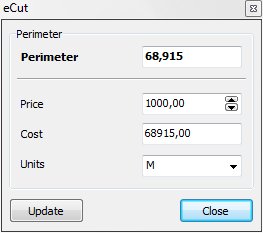
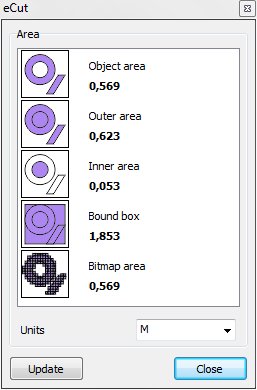
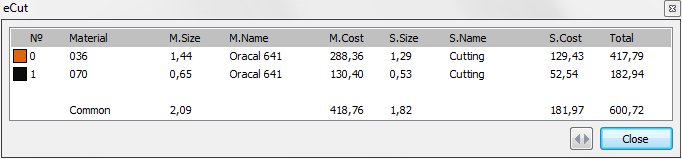
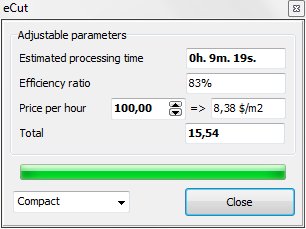
Functions: perimeter, area, cost, time.
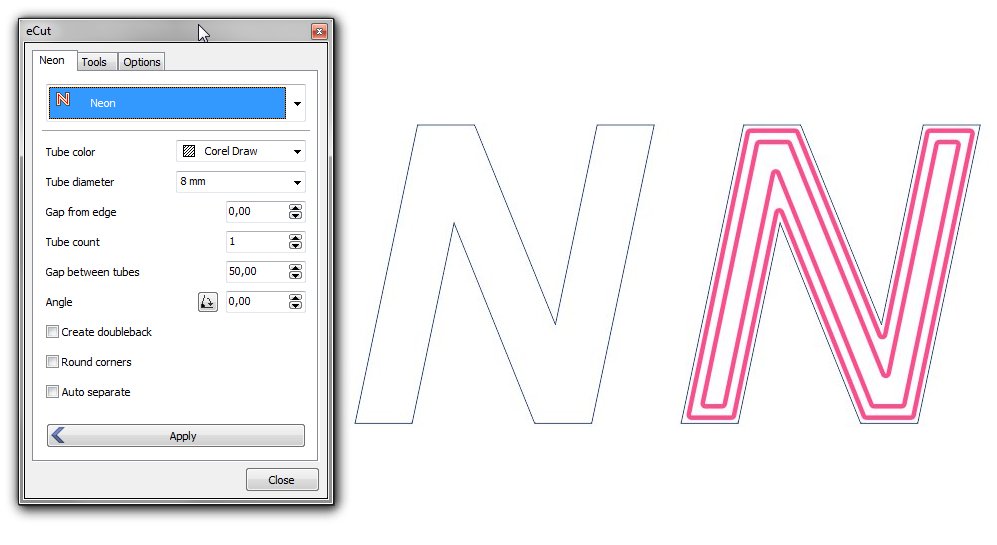
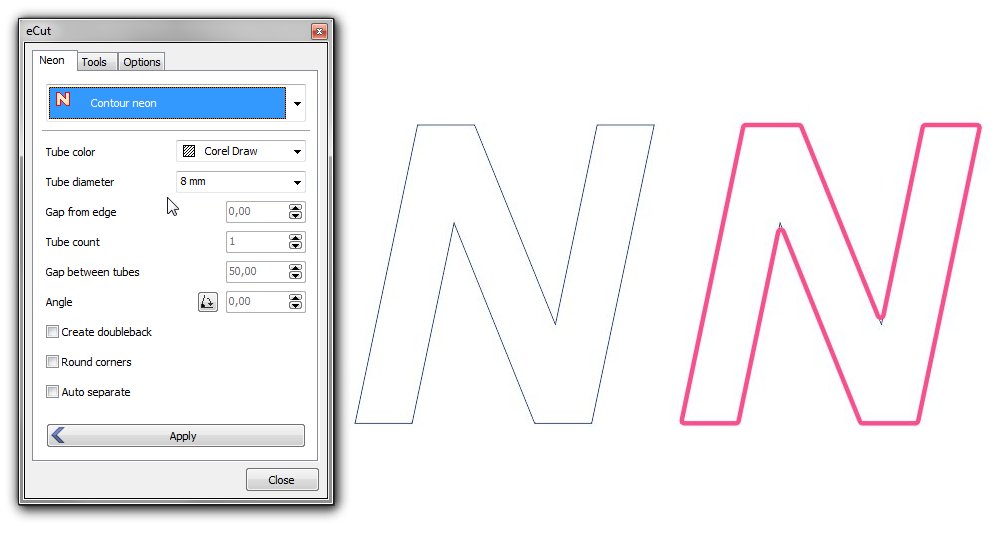
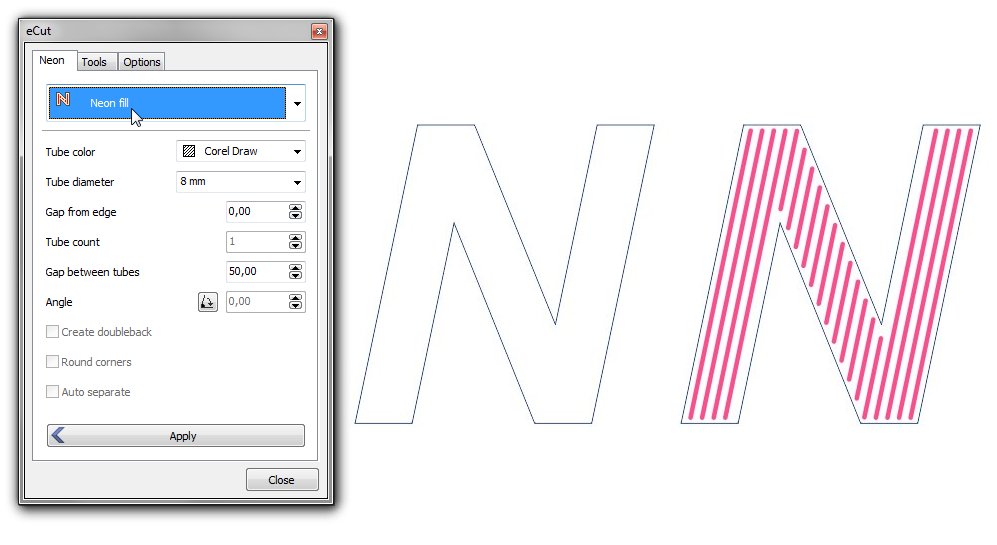
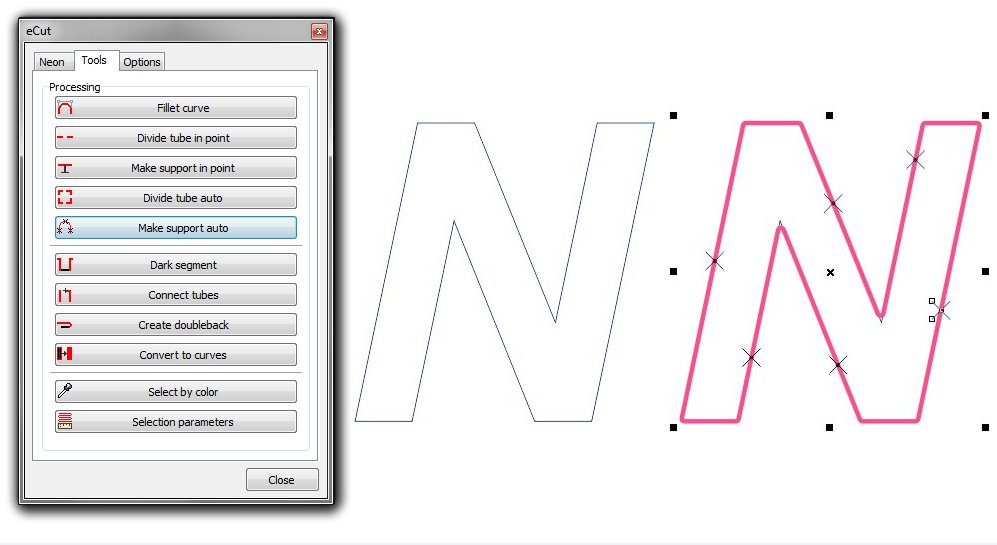
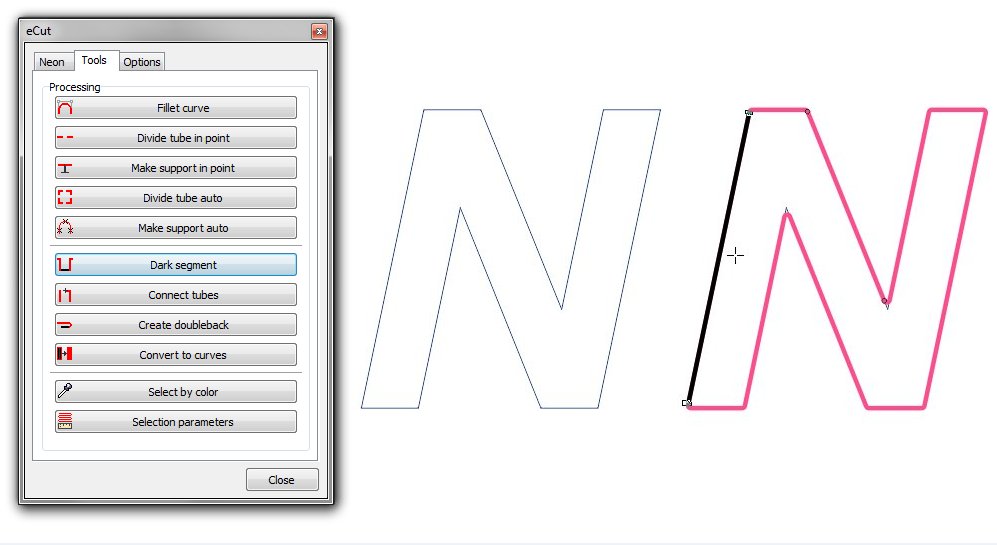
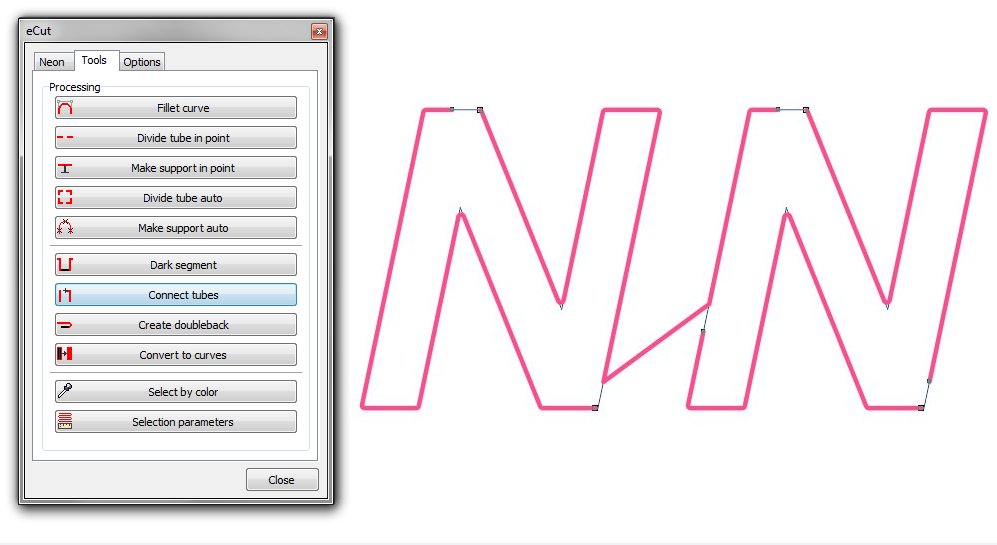
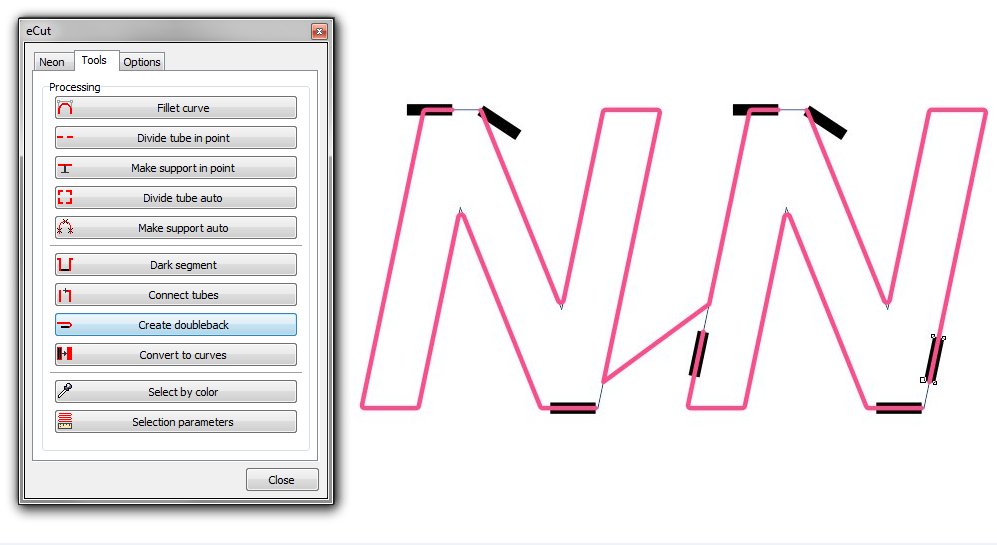
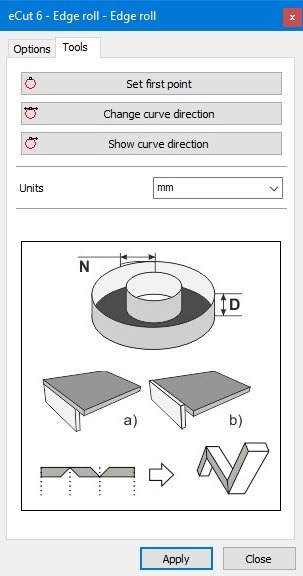
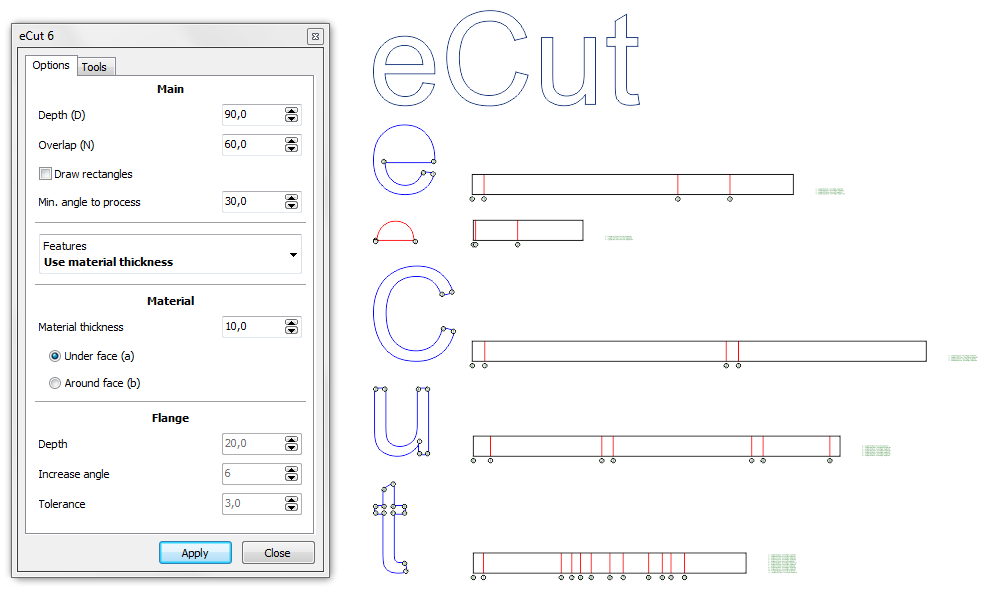
Functions: LEDs, neon, variables, edge roll.
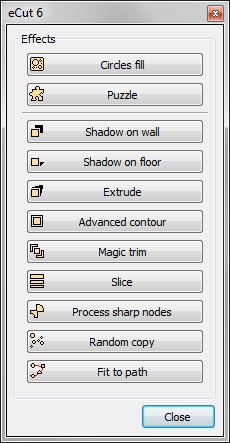
Functions: FX, lines and grid creator, draft.
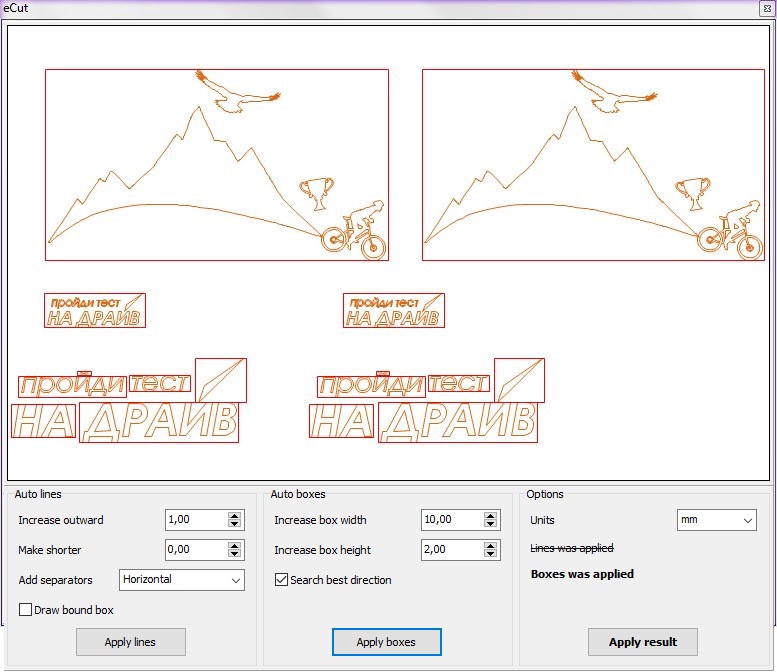
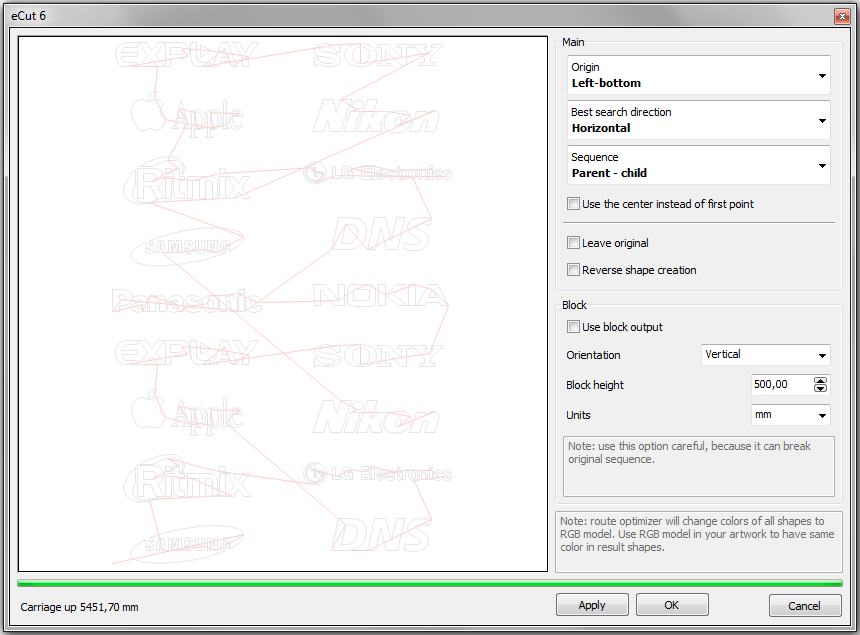
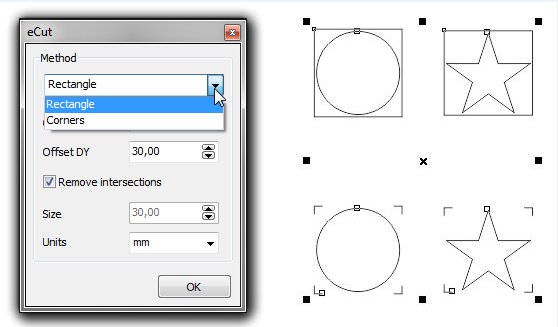
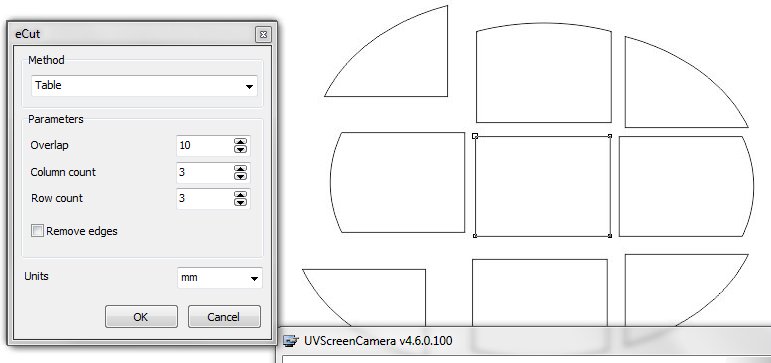
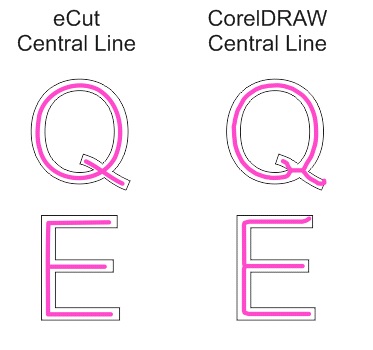
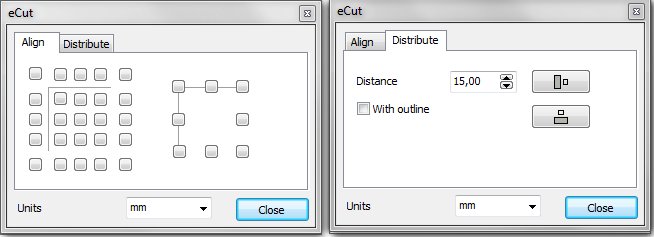
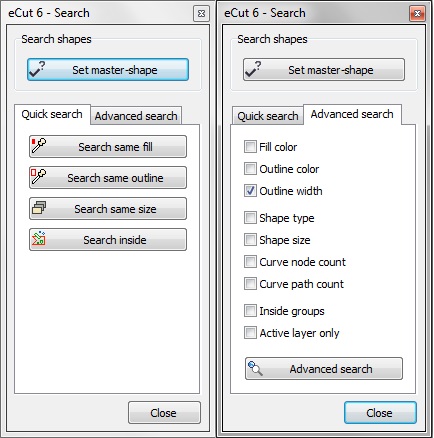
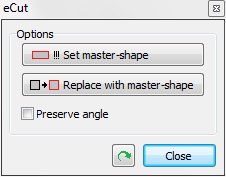
Functions: signbox creator, clever divider, create carrier, slice, center line, connect opened paths, fillet nodes, fillet curve, CAD functions, DXF export, create bridges/links, reference scale, hotwire cutting, path optimizer, aligning, search shapes, set size, replace shapes.
[Nesting][Cut/Plot + contour cutting][Perimeter][Area][Cost][Time][Weeding lines][Multiply][Rectangle nesting][LEDs][Neon][Draft][Central line][Smart divide][Connect opened paths][Fillet][Find intersections][Find duplicates][Search shapes][Create SignBox][Create lines][Create grid][Create cropmarks][Reduce nodes][Effects][Edge roll][Contour cutting file][Separate curve][Remove duplicated edges][Slice object][Eyelets][Create carrier (boundbox)][Align and Distribute][Set size][CAD functions][DXF Export][Replace][Reference scale][Create bridges][Variable][Hotwire cutting][Route optimizer][Finger joint box][Finger joint shape][Volume calculator][Door panels][G codes][Liquid acrylic][Scripts][Finger joint change size]
Other projects: rStones AI nesting eCut for Illustrator eCut for MAC OS
since © 2007 eCut.