 for CorelDRAW
Latest version: 6.10.25.35
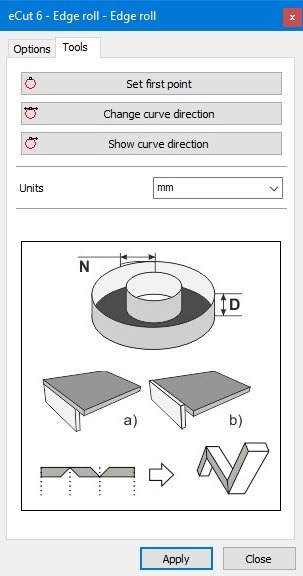
This function creates edge roll. Also marks control points, right and left turns.
Use this function to create edge roll.
Main usage is to create stencil for ALS or similar.
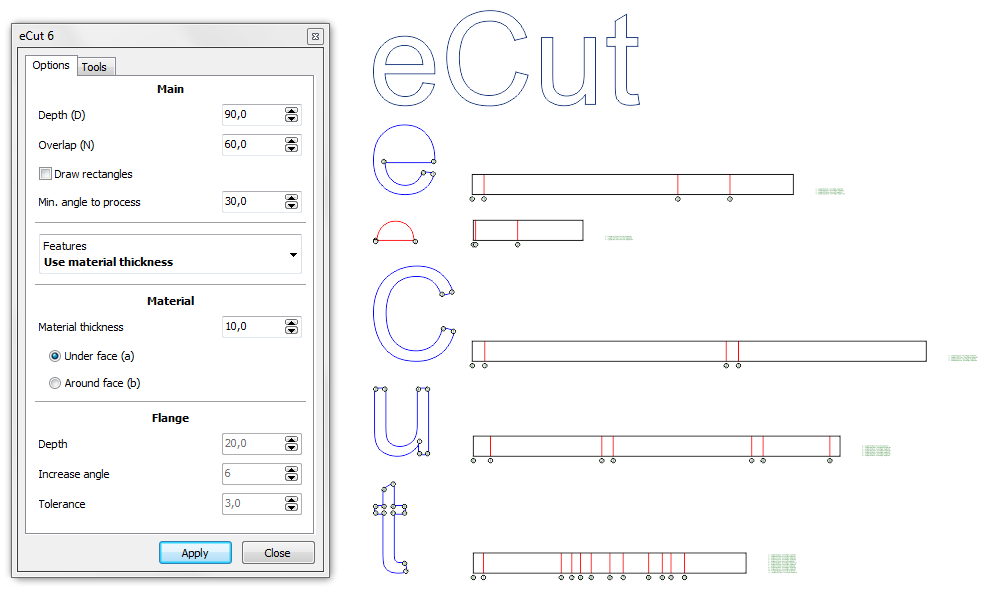
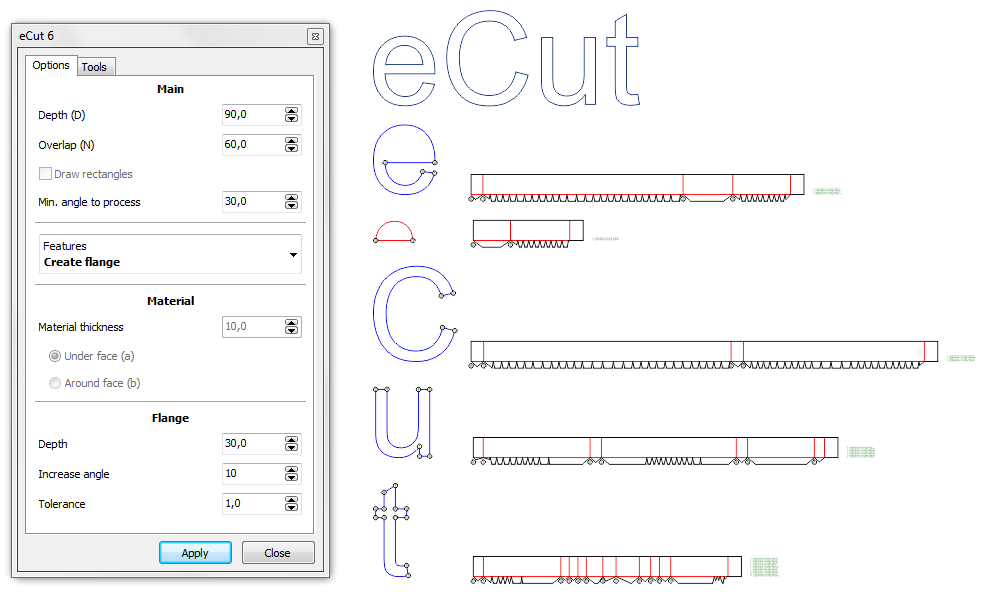
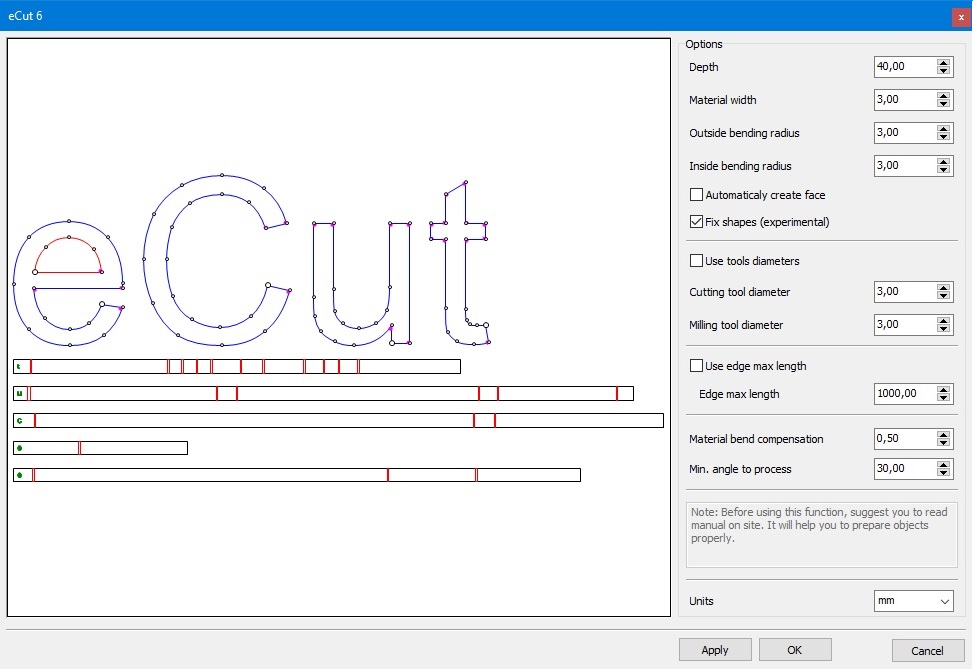
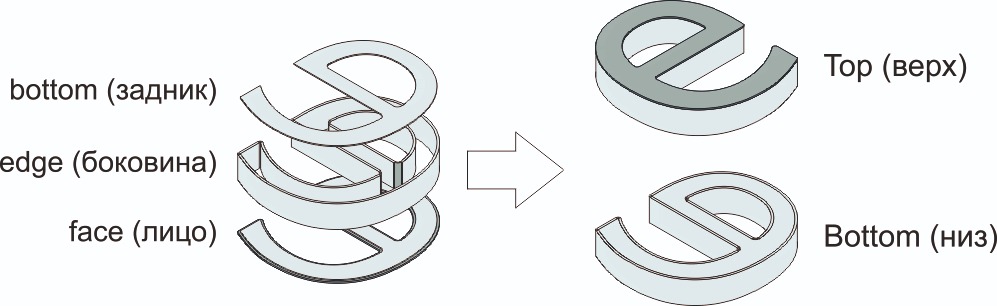
This feature will help you to save time when producing channel letters. This method create notches on edge in bending points. Then you have to heat this nothces and bend edge along face of letter. It looks very nice when edge is made from one peace
After cutting and milling, process of producing channel letter becomes easier
Read more information about how to use this feature on this page:
How to create edge roll with notches.
Here you can see little instructions and most useful features that used with this function.
Note: if you use material thickness or flange feature - eCut will ignore curve direction: all outside paths (blue) will have clockwise direction, and all inner paths (red) will have counterclockwise direction.
eCut 5 (old)
rStones
AI nesting
eCut for Illustrator
eCut for MAC OS
[Nesting][Cut/Plot + contour cutting][Perimeter][Area][Cost][Time][Weeding lines][Multiply][Rectangle nesting][LEDs][Neon][Draft][Central line][Smart divide][Connect opened paths][Fillet][Find intersections][Find duplicates][Search shapes][Create SignBox][Create lines][Create grid][Create cropmarks][Reduce nodes][Effects][Edge roll][Contour cutting file][Separate curve][Remove duplicated edges][Slice object][Eyelets][Create carrier (boundbox)][Align and Distribute][Set size][CAD functions][DXF Export][Replace][Reference scale][Create bridges][Variable][Hotwire cutting][Route optimizer][Finger joint box][Finger joint shape][Volume calculator][Door panels]
Copyright © 2007 eCut.